HOW IT WORKS
Stay with the same scene from first read to self-tape
Add your scene once, then keep working from there. Read it, make notes, rehearse, learn the lines and use the reader when you are ready to tape.
01
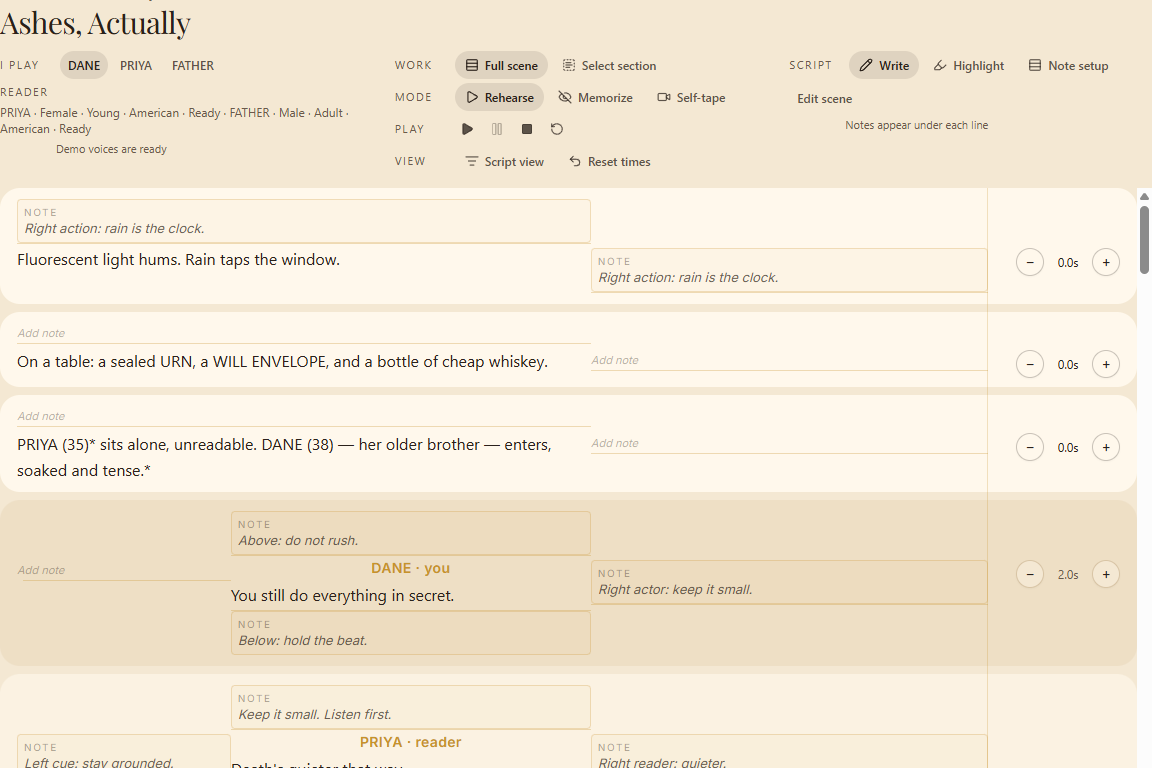
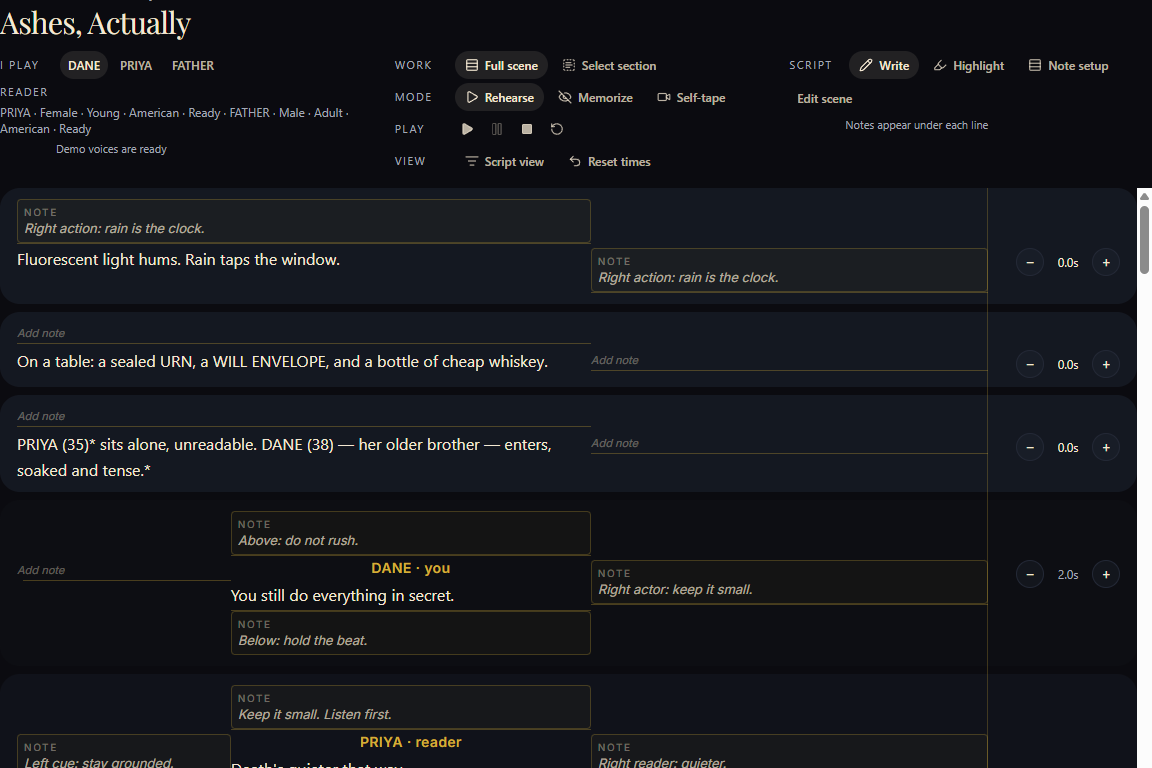
Add your scene
Bring in the scene you need to work on. Choose your character, check the dialogue and make any corrections before you begin.
- Choose the character you are performing
- Review and correct dialogue and speakers
- Add notes and mark the text as you prepare
02
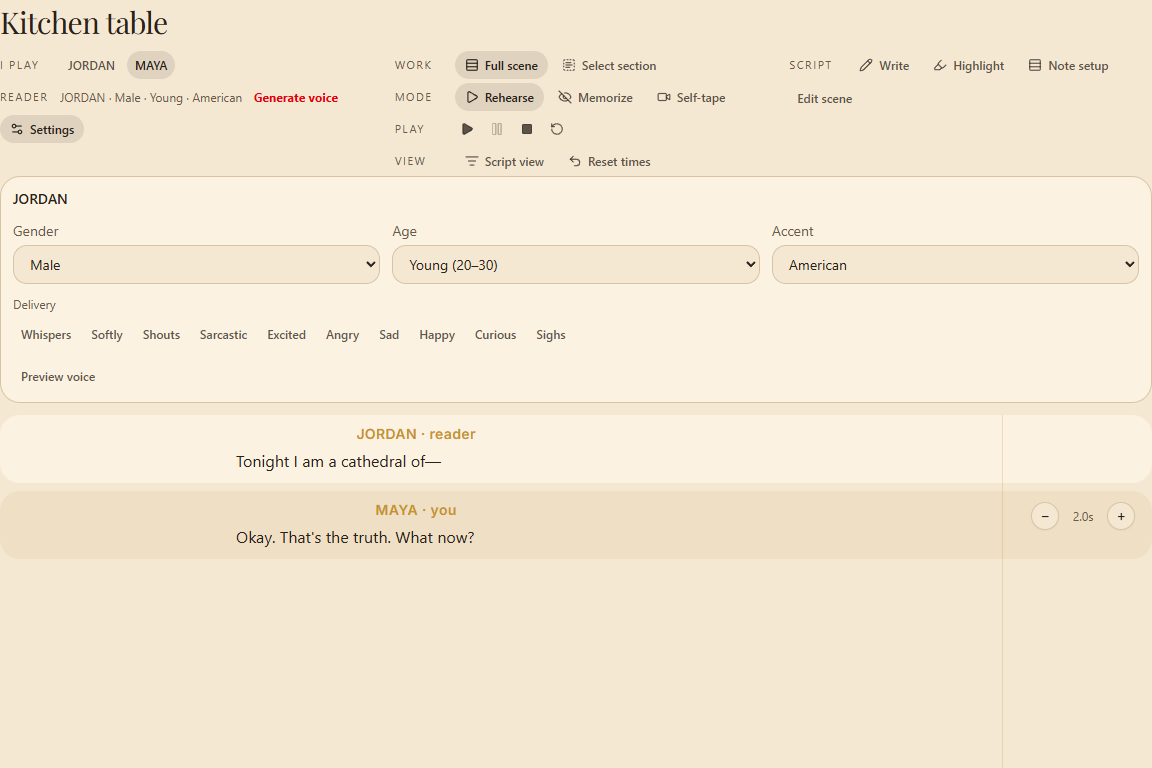
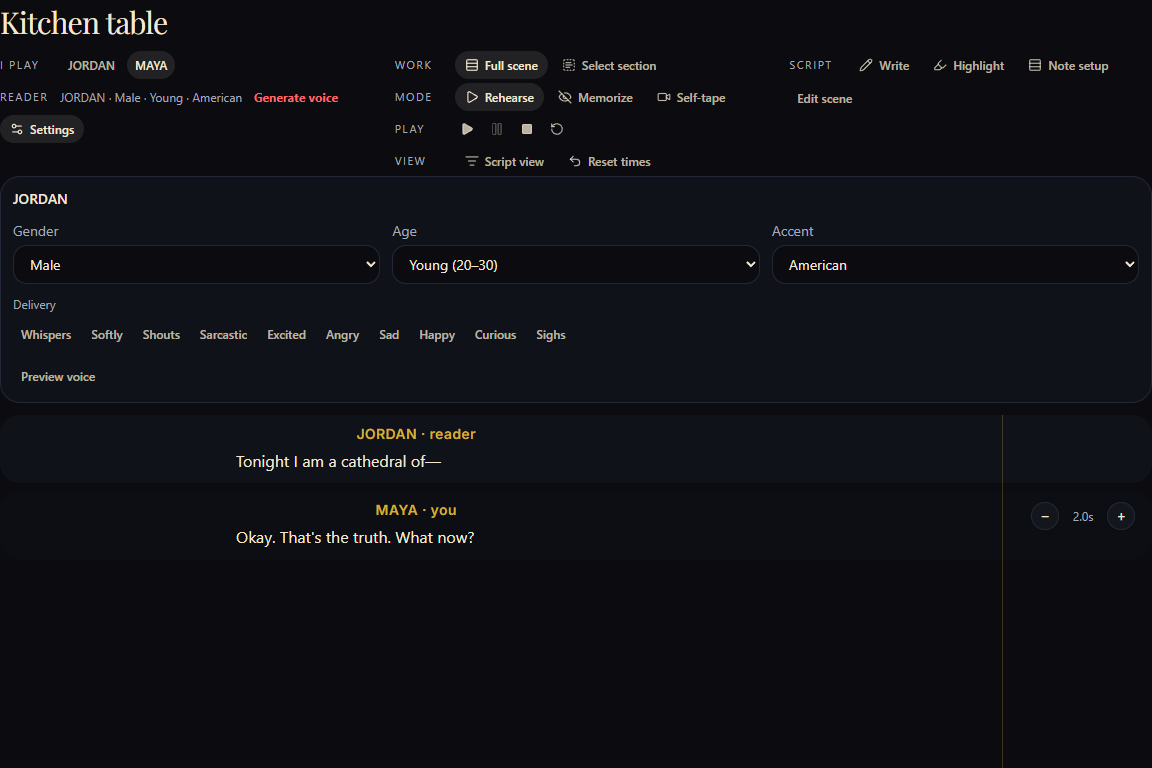
Set your reader
Choose the voice, pace and pauses that give you the space you need. You can adjust the reader as the scene develops.
- Choose voices for the other characters
- Control pacing and pauses
- Adjust the reader around your performance
03
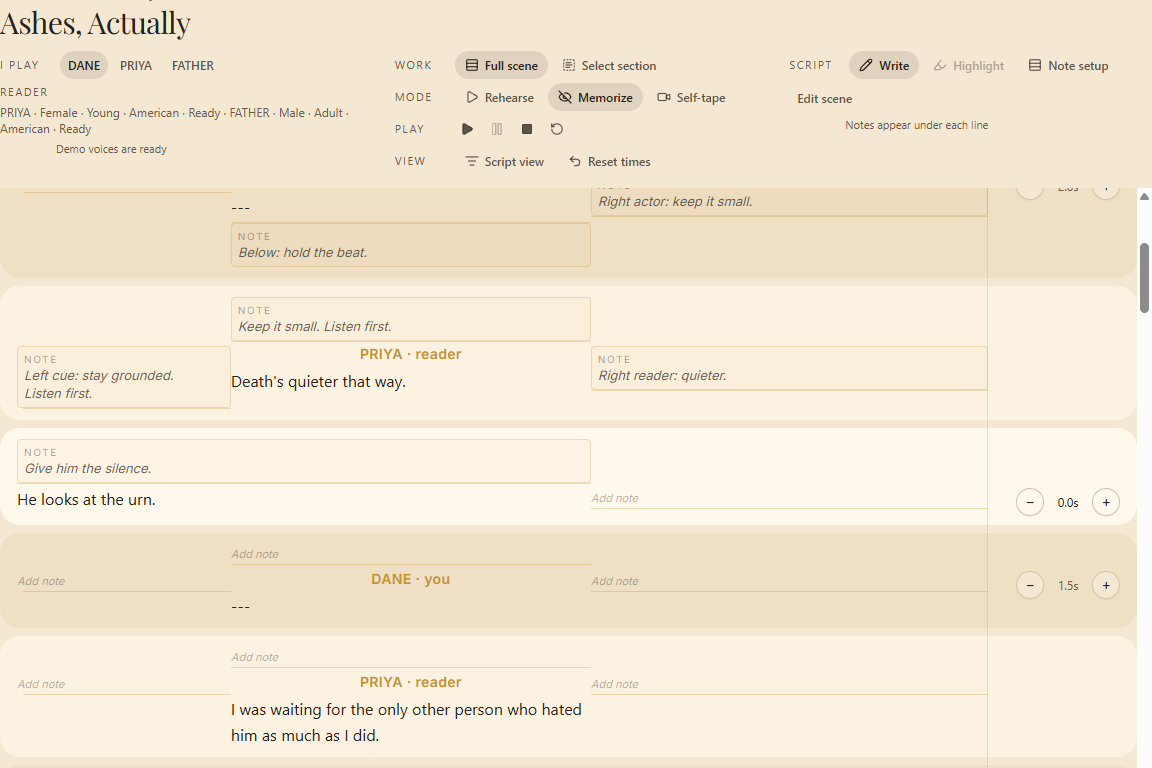
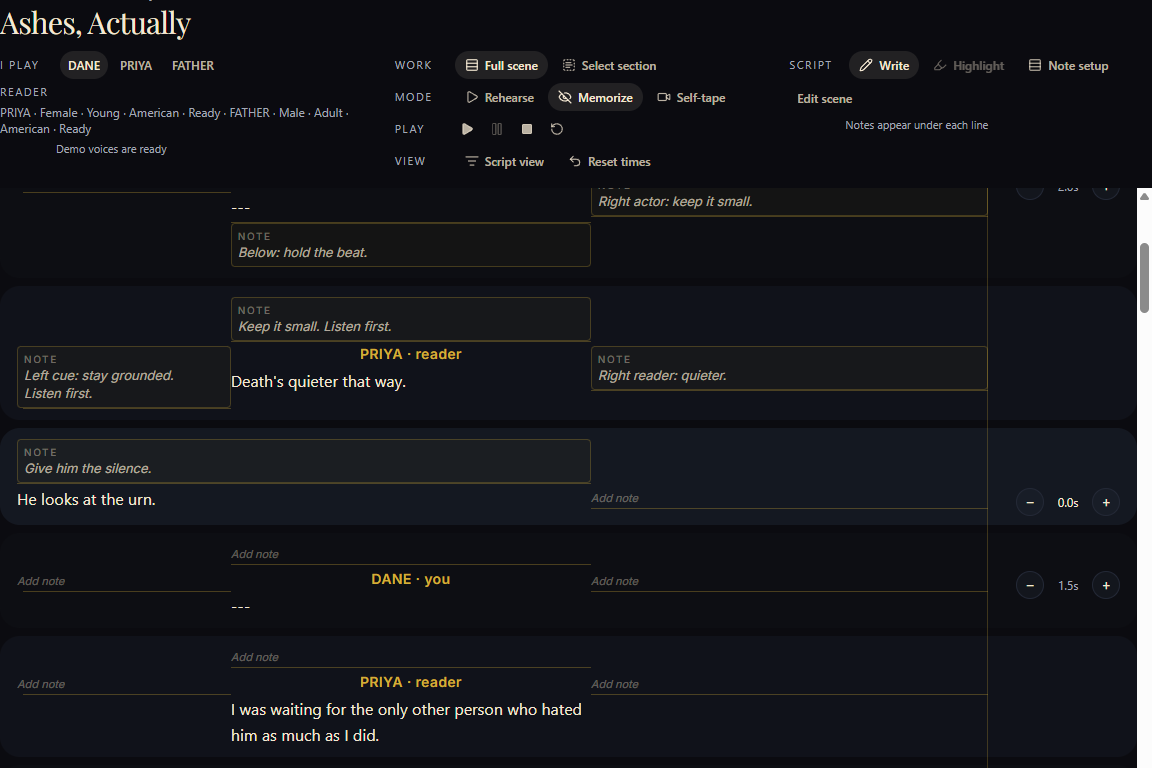
Work the scene
Run the full scene or stay with the part that needs more attention. Repeat cues, lines or sections and return to the full scene whenever you are ready.
- Rehearse the full scene or a selected section
- Repeat a stretch to try a different choice
- Use Memorize to work the lines and cues
04
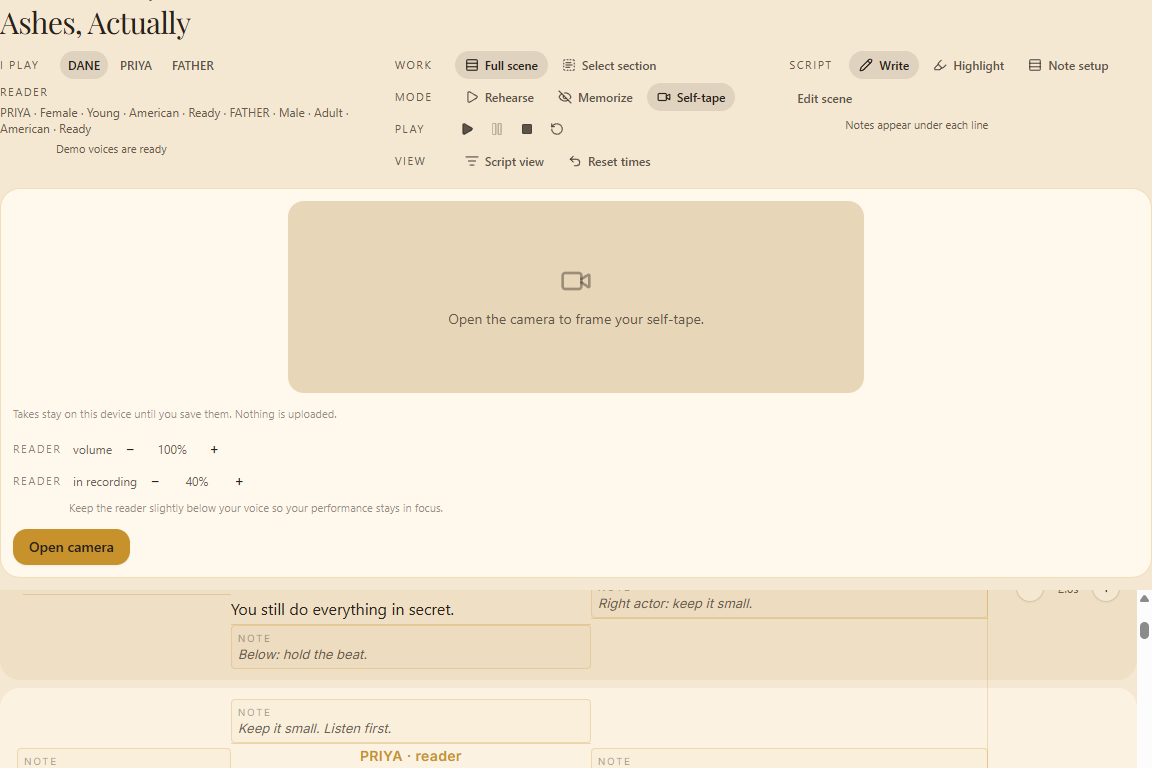
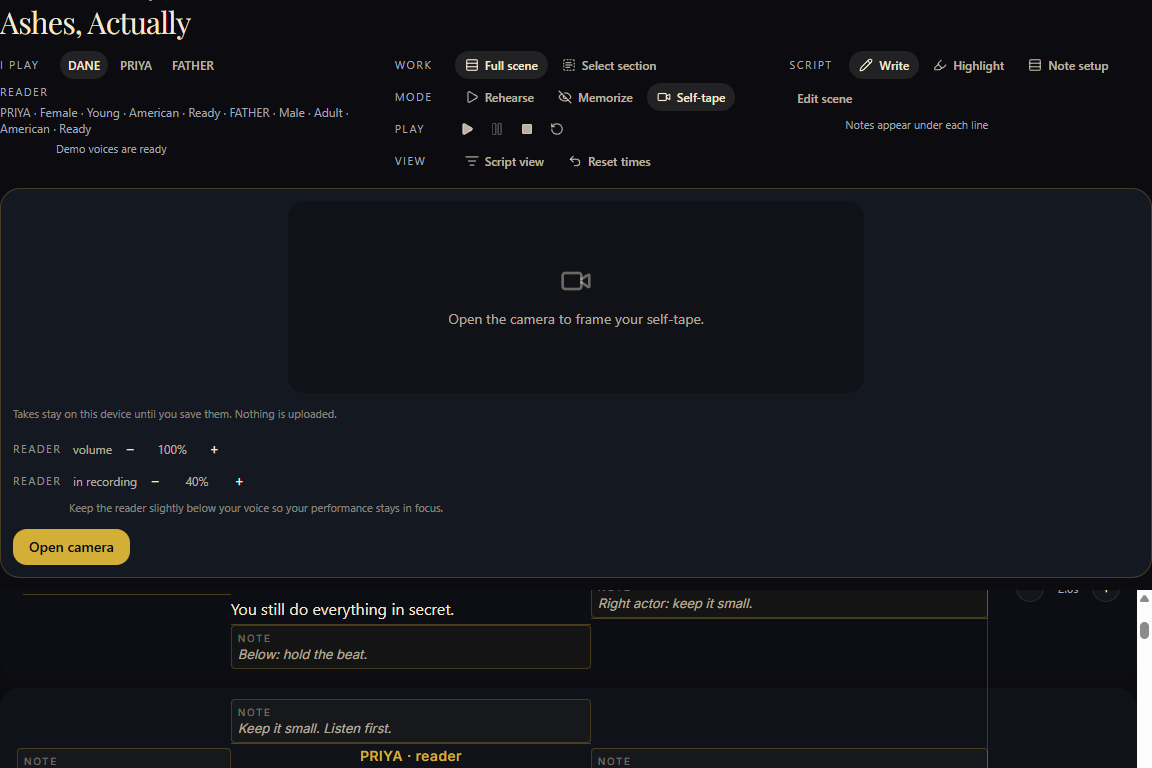
Self-tape
When you are ready to record, the scene and reader are already set up. You can focus on the take instead of starting the practical setup again.
- Record with the reader already in place
- Keep the setup you chose for the take
- Review, retake, then save to this device